Content may contain affiliate links. When you shop the links, we receive a small commission at no cost to you. Thanks for supporting my small business.
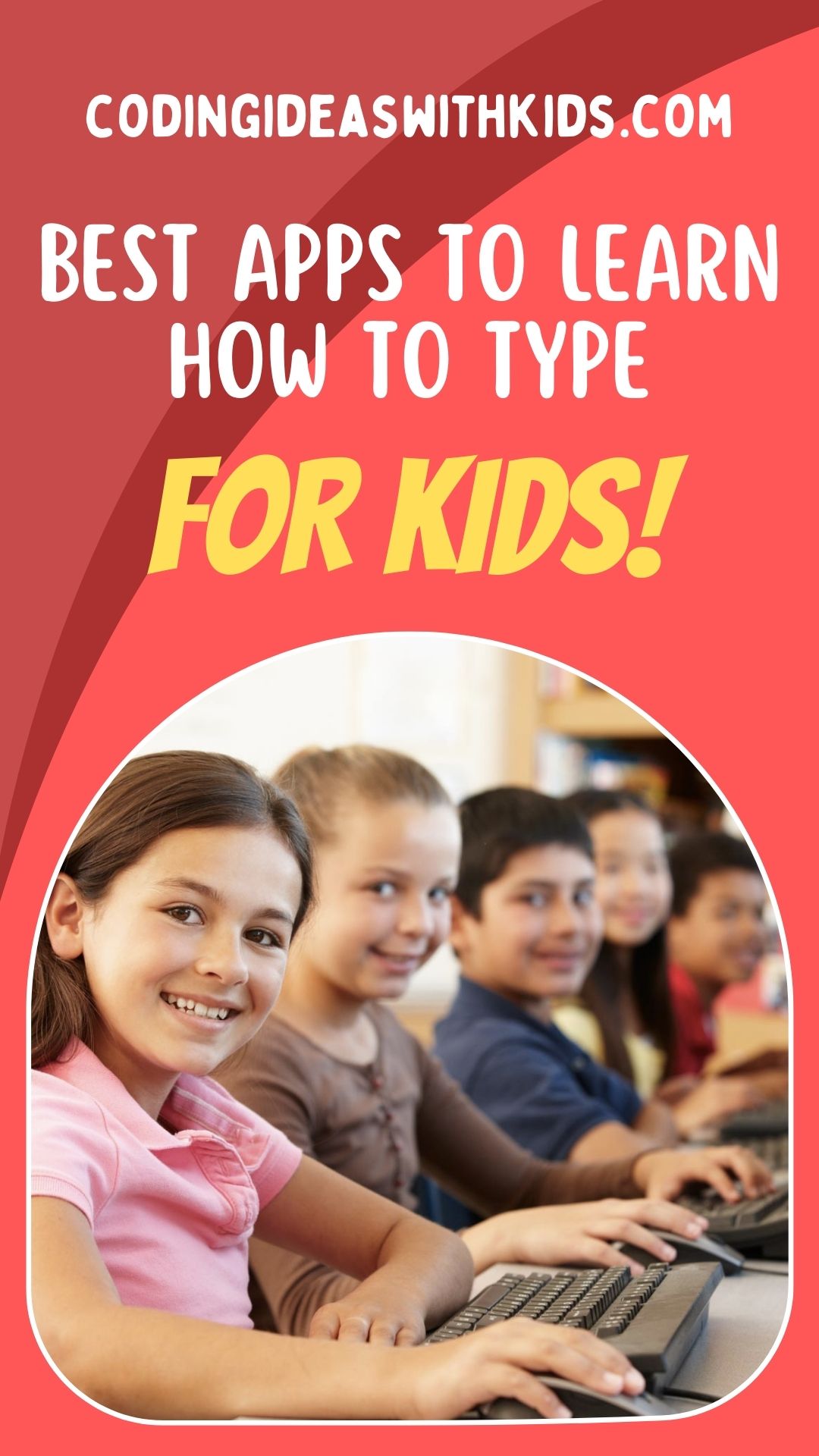
Technology now rules the world, and more than ever, typing is an essential skill for kids and everyone else to survive. Every day, more kids are introduced into the tech space to equip them with Science, Technology, Engineering, Arts, and Mathematics skills.
Table of Contents
Typing is a necessary part of learning these skills, and choosing the best typing apps for kids makes the learning process interesting and fun for kids.

Overview of Best Apps to Teach Kids How to Type
Teaching kids how to type with a keyboard might pose a challenge for parents. Kids are accustomed to learning from a teacher in the classroom, and it might take a while for them to adjust to learning at home.
Kids have a short attention span, and teaching them how to type manually can get boring and exhausting for them. Kids typing apps have made learning how to type easy, fun, and entertaining. Although there are many ways to teach kids how to type, typing apps are one of the best ways to teach kids how to type.
The best typing apps for kids do not only teach kids how to type, they engage them in games, lessons, and activities to boost their progress. You can also hop on the typing adventure with your kids to make it more fun for everyone.

All About Typing Apps for Kids
Kids typing apps have proven to be efficient in teaching kids how to code. They are designed to help kids learn at their own pace and have fun while at it.
Typing apps for kids are divided into three levels- beginners, intermediate, and expert. Some typing apps, however, have all three stages in them. Kids with zero experience can start from the beginner’s level and progress, while kids who have existing knowledge about typing can jump straight to the expert level.
To top it, any kid can use the typing apps for kids irrespective of their age. There are many great kids typing apps out there designed for specific ages, and parents can easily find the perfect typing apps for their kids.
Kids can also acquire other skills with typing apps for kids. Asides from typing, they will learn efficiency, creativity, critical thinking, piano (for music-related typing apps), and many more.
Why Kids Should Learn How to Type Properly
There are countless reasons why kids should learn the proper art of typing. Typing helps to sharpen kids’ brains. The letters are arranged in a standard ‘QWERTY’ style as opposed to the linear pattern of the alphabets they are used to. Learning how to type helps kids to think fast to meet their goals before the time-out.
Learning how to type also prepares them for the future. The future is Tech. Paper and pen are becoming less useful and companies, schools, etc. are relying on computers and other digital innovations to store files and send out information.
Schools have also begun to use digital platforms to teach kids. They receive lectures, assignments, etc. via these digital platforms. Learning how to type properly at a young age prepares kids for this digital age.
Typing also boosts kids’ writing skills. A kid that learns how to type before learning how to write will automatically become good with writing.
Top 15 Typing Apps for Elementary School Kids
Typing apps vary based on the target users. In this section, you will find the top 15 typing apps for elementary school kids.
Dance Mat Typing App
This is a free typing app designed to teach kids the rudiments of typing through lessons, games, and milestones. The lessons are divided into four levels, each of which is a progress of the previous.
First, kids will learn how to type the home row keys ‘ASDFGH…’, after which they can proceed to the top and bottom keys. They are guided by some animal friends that teach them the proper placement of hands on each key, as well as how to type caps, press shift, use the enter button, etc.
Kids’ progress and speed are also tested after each lesson. They also earn rewards after completing each test. The Dance Mat app is easy and simple for kids to learn how to type.
Animal Typing
This typing app uses a gaming method to teach kids how to type. It has an animated keyboard on the screen with a hand that points to the next key to press.
Kids can learn how to type efficiently and fast with Animal typing, because the faster they type, the faster their animal becomes. This app focuses on speed, and kids can only progress to the difficult levels when they maintain constant speed at each game.
Kids who have no typing experience can use this app as it begins with slower animals like a snail, rabbit, etc., then unlock other faster animals like Jaguar, Cheetah, etc.
Ghost Typing
Ghost Typing app is suitable for kids of all ages, including pre-kindergarten. There are many typing games for kids on the app and they can learn at their own pace.
Here. kids will learn how to type fast to eliminate the ghost before it gets too close. They have to type in the correct key correctly and quickly. With the Ghost Typing app, the fun never ends for kids! Each level is built with newer challenges and a different type of ghost.
Typing Fingers
This Typing App for kids not only teaches kids how to type but they are also issued a certificate at the end of the 32 lessons! Sleek!
It takes kids through the process of typing, memorization, numbers, and symbols to equip them with basic typing skills. The lessons are laid out in a full curriculum and kids are rewarded with gifts at the end of each stage.
This app is also available on both iOS and Android.
Cup Stacking
Knowing how to type is good, but knowing how to type fast is a huge flex! With Cup Stacking, kids can learn how to type fast. They can stack and unstack cups while typing the letters on the. This typing app is great for beginners.
Keyboard Fun
Kids can learn about the basics of typing and the layout of a keyboard. The game is colorful and engaging, and kids can learn all about the placement of keys on the keyboard by matching keys to their respective features.
Keyboarding Zoo
This kids typing app allows kids to learn about animals and typing. It is designed for little kids who are fascinated by the colorful animals that will teach them all they need to know about typing.
This app teaches kids how to use a pointer or index finger to match the letters displayed on their screens to the keyboard. It is easy to use for little kids who want to have fun.
Type-a-Balloon
This is a web-based app that targets speed, learning, and expertise. Kids need to think and act fast when playing this game to avoid losing their “lives”. To pop a balloon, kids must type the letter on the balloon. A wrong or incorrect response will reduce their points.
Owl Planes Racing
Who doesn’t love racing games? This is a multiplayer racing game that allows kids from all over the world to race against each other while learning how to type in the process. They can also find players on the app and race with them. The game is incorporated with typing strategies so kids don’t lose sight of the purpose of learning.
Typing Pal
Typing Pal focuses on the correct placement of hands on the keyboard. Kids also have the option to choose from any of the four styles. They can also learn certificates of achievements by taking several typing tests.
Nitro Type
This is another amazing racing typing game app for kids. Their typing skill is tested when they compete against other players around the world. This app is not suitable for complete beginners as kids are focused on building their typing skills. The fastest typers stand a chance to win new racing cars and other amazing prizes.
Keyman
Using the letters that appear on the screen, kids can lead keyman through the maze by quickly typing the letters that pop on the screen.
Type Type Resolution
This typing app is best recommended for kids who are skilled in typing. Here, they can select one of the songs on the app to vibe to. They will finger dance to the song and learn fast typing and keyboarding in the process.
Typing Rocket/Typing Rocket Jr
Here, kids will have to pop the rockets in 60 seconds by correctly typing the letters on them. This is a challenging game and younger kids can take up to three minutes to pop the rockets.
Type Tastic
There are over 700 free typing activities that kids can engage in. It is suitable for kids of all ages, as there are enough activities for beginners, intermediates, and experts.
Summary
Typing apps for kids are super great for teaching typing for kids. Rather than the conventional learning method of learning how to type, kids can have fun, challenge their limits, and learn at an even faster pace.
Your kids can have more than one typing app if they want. Typing is the core of learning other amazing subjects, including coding, computer, etc., so you should invest in teaching your kids how to type with one or more of these apps.

More Coding Inspiration for Kids
- Code Ninjas – Is the coding program for kids worth it?
- Python for Kids – Parents Guide
- How to Explain Coding to Kids
- Overview About Arduinos for Kids
- Best Kids Computer Keyboards for Typing
- Teach Kids How to Code with Swift iOS App Programming Language
- Roblox Coding – Teach Kids how to Program
- Programmable Robots for Kids (to learn coding)
- Learn Coding without a Computer
- Offline Computer Coding and Programming Unplugged
- Best Coding Books for Kids by Age
- LEGO Programming for Kids with Mindstorm